Vollständige Anleitung zur Installation von StreamsWave Player auf Fire Stick
Richten Sie Ihren Fire Stick ein und stellen Sie die Internetverbindung sicher
Installieren und aktivieren Sie die Downloader-App aus dem Amazon Appstore
Installation von Apps aus unbekannten Quellen aktivieren
Download the StreamsWave Player APK using the Downloader app
Downloader Code:
6304201
Or direct download: https://streamswave.net/app/StreamsWave.apk
Install the downloaded StreamsWave Player APK
Richten Sie Ihre IPTV-Playlist in StreamsWave Player ein
Genießen Sie Ihre IPTV-Inhalte
Tipps zur Optimierung Ihres Fire Sticks für bessere Leistung
Stellen Sie sicher, dass Ihr Fire Stick für bestes Signal nahe am Router steht
Starten Sie Ihren Fire Stick wöchentlich neu für optimale Leistung
Leeren Sie den Cache in den Fire Stick-Einstellungen, um Speicherplatz freizugeben
Stellen Sie Ihre bevorzugte Audiosprache in den StreamsWave Player-Einstellungen ein
Häufige Fire Stick Einrichtungsprobleme
Stellen Sie sicher, dass Sie im richtigen App Store suchen
Überprüfen Sie, ob unbekannte Quellen korrekt aktiviert sind
Überprüfen Sie Ihre Playlist-URL und Internetverbindung
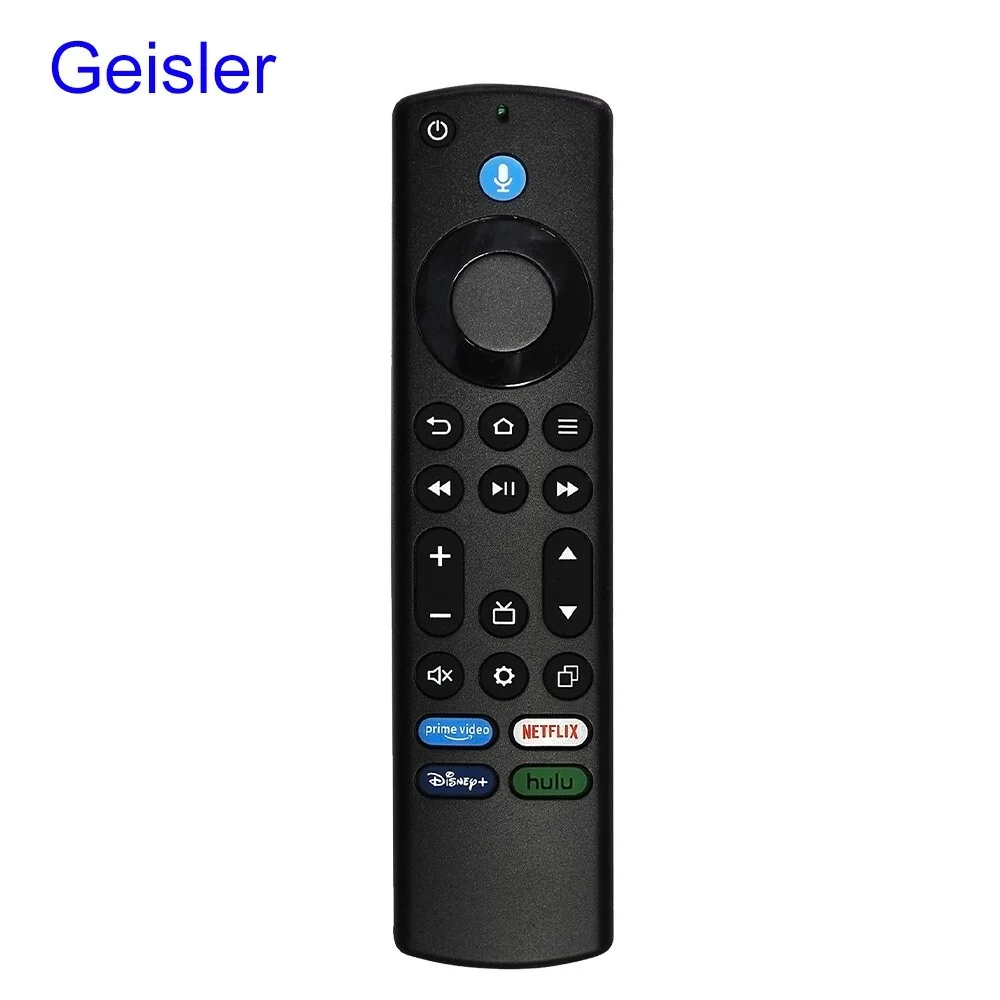
Batterien der Fernbedienung ersetzen oder erneut koppeln